01
Today, at a glance.
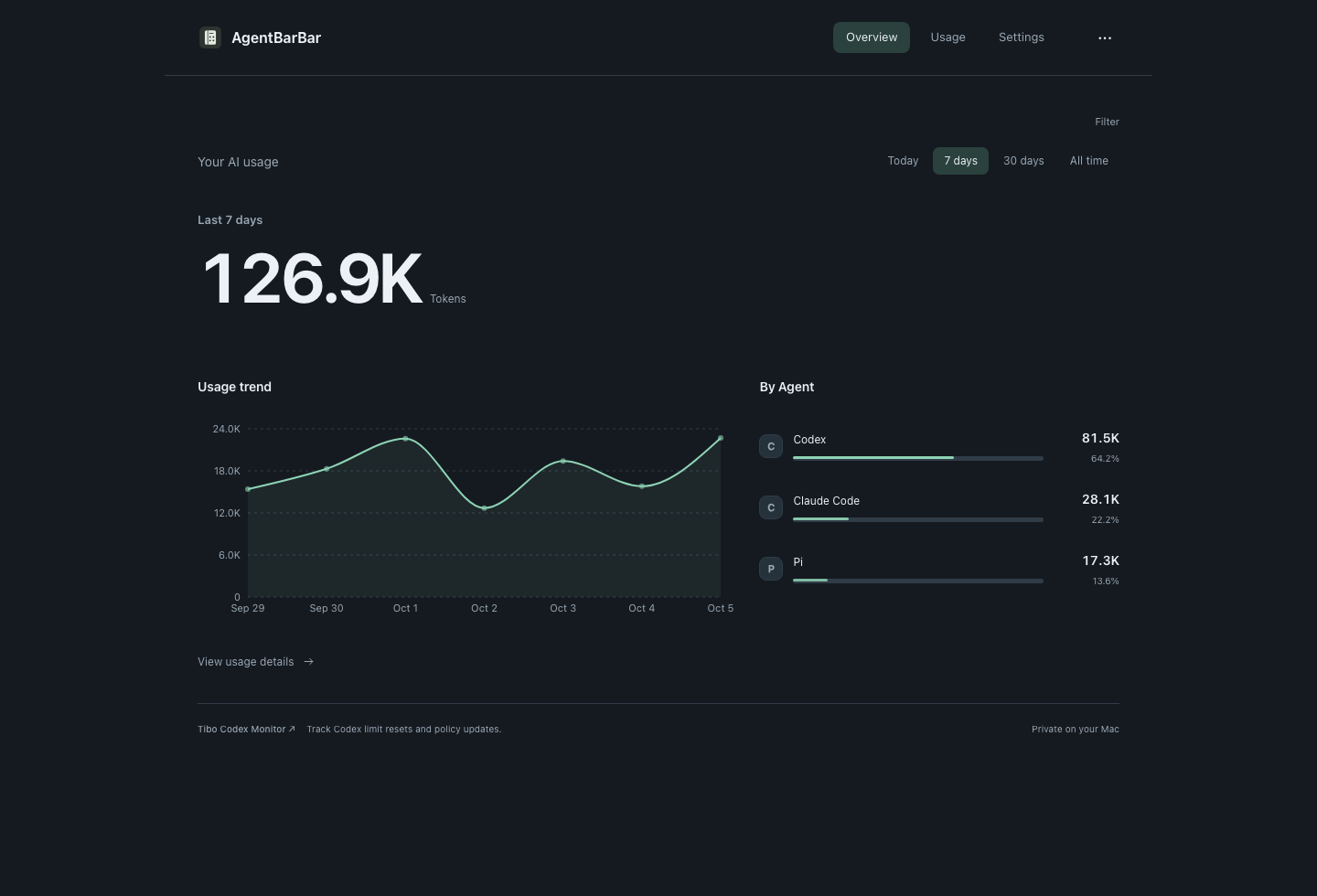
Open the menu bar or tray to see today’s total and your leading Agents.
OPEN SOURCE · LOCAL AI USAGE
Track local AI token usage across Codex, Claude Code, Cursor and Cline. Check daily totals, explore trends and review request details from your Mac menu bar or Windows tray.
Free to download and use · App interface: English / 中文
01
Open the menu bar or tray to see today’s total and your leading Agents.
02
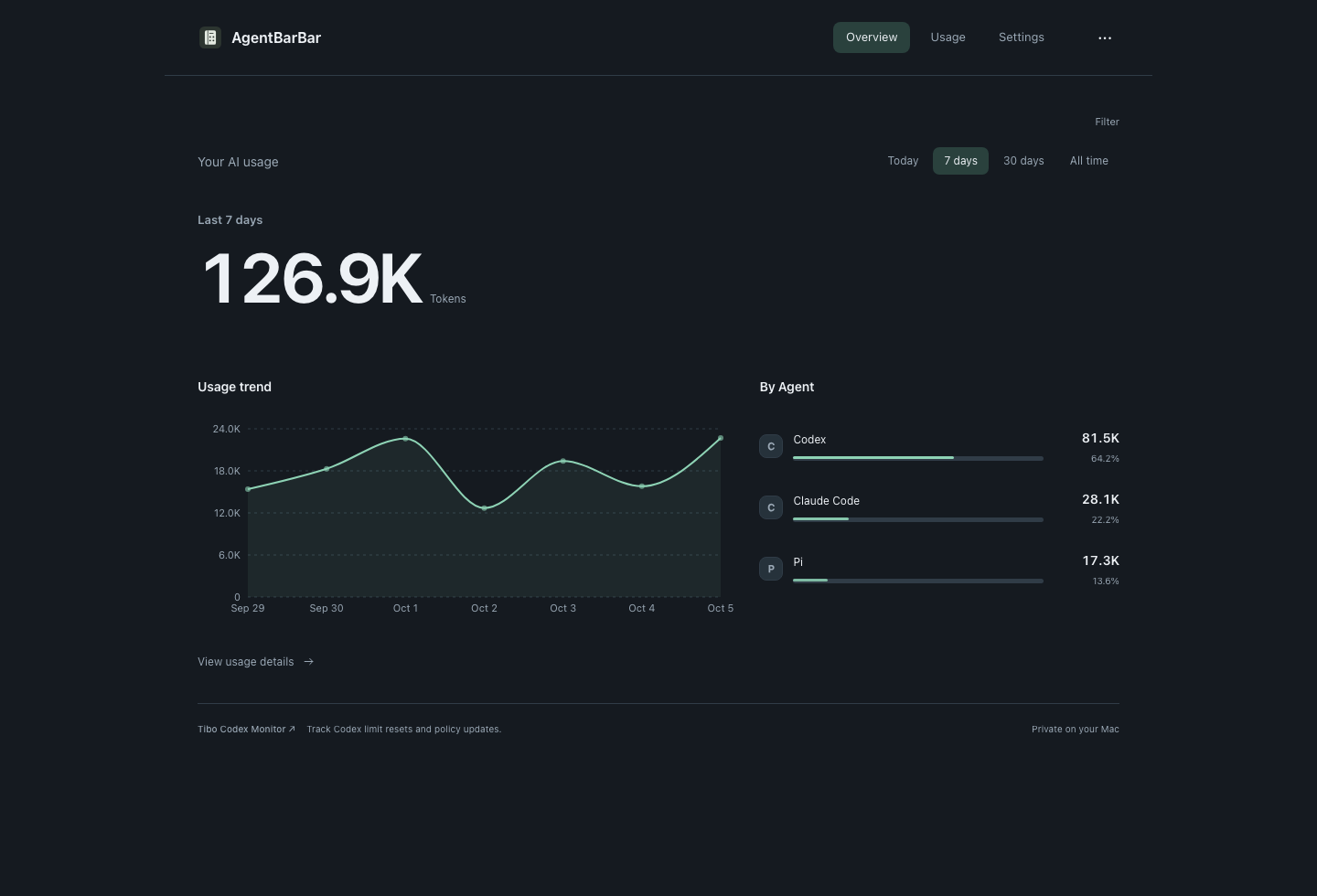
Compare today, 7 days, 30 days and all time. Explore models and request details.
03
The app keeps usage records and its dashboard on your machine. Your AI token details are not uploaded.
GitHub Releases has the installers, version notes and checksums for each platform.
Apple Silicon · macOS 14+. Open the DMG and drag AgentBarBar to Applications.
Download on GitHub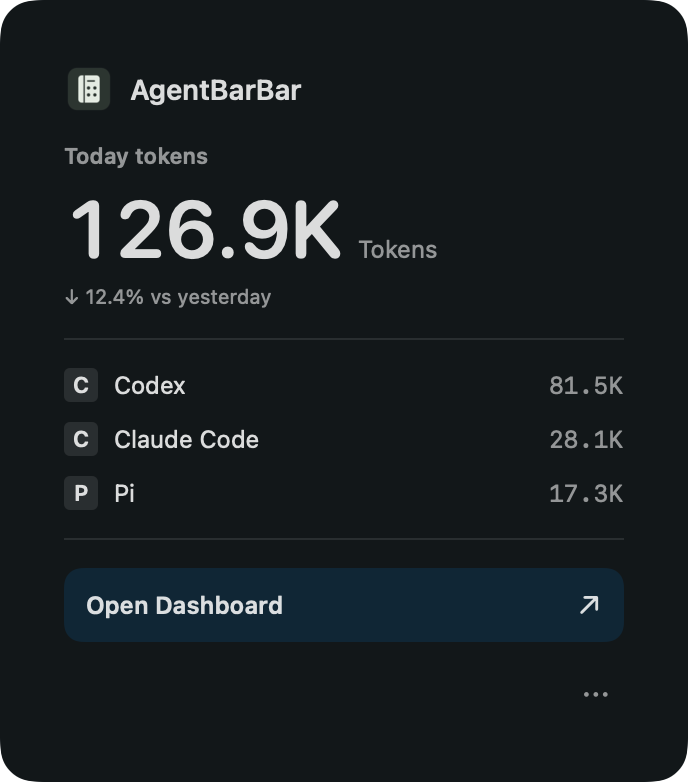
Windows 11 x64 · WebView2. Download the Setup.exe installer. Quit the app from the tray before updating.
Download on GitHub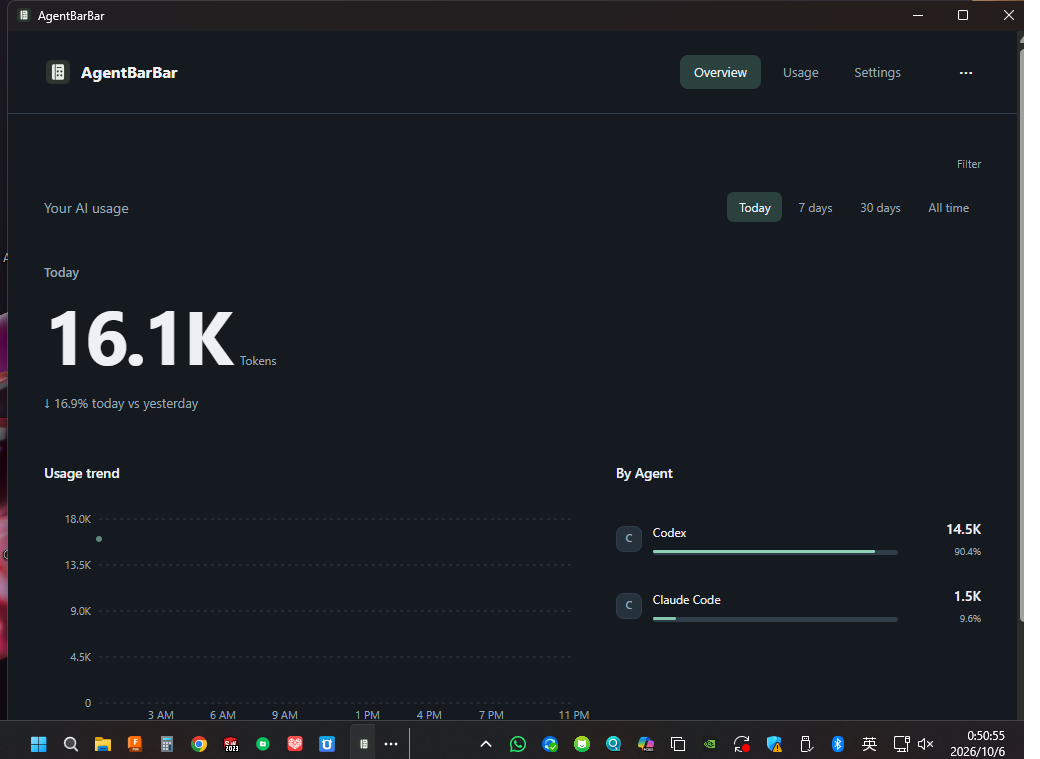
Forest, Paper, Ocean and Mono. Choose light, dark or follow your system in Settings → Appearance.
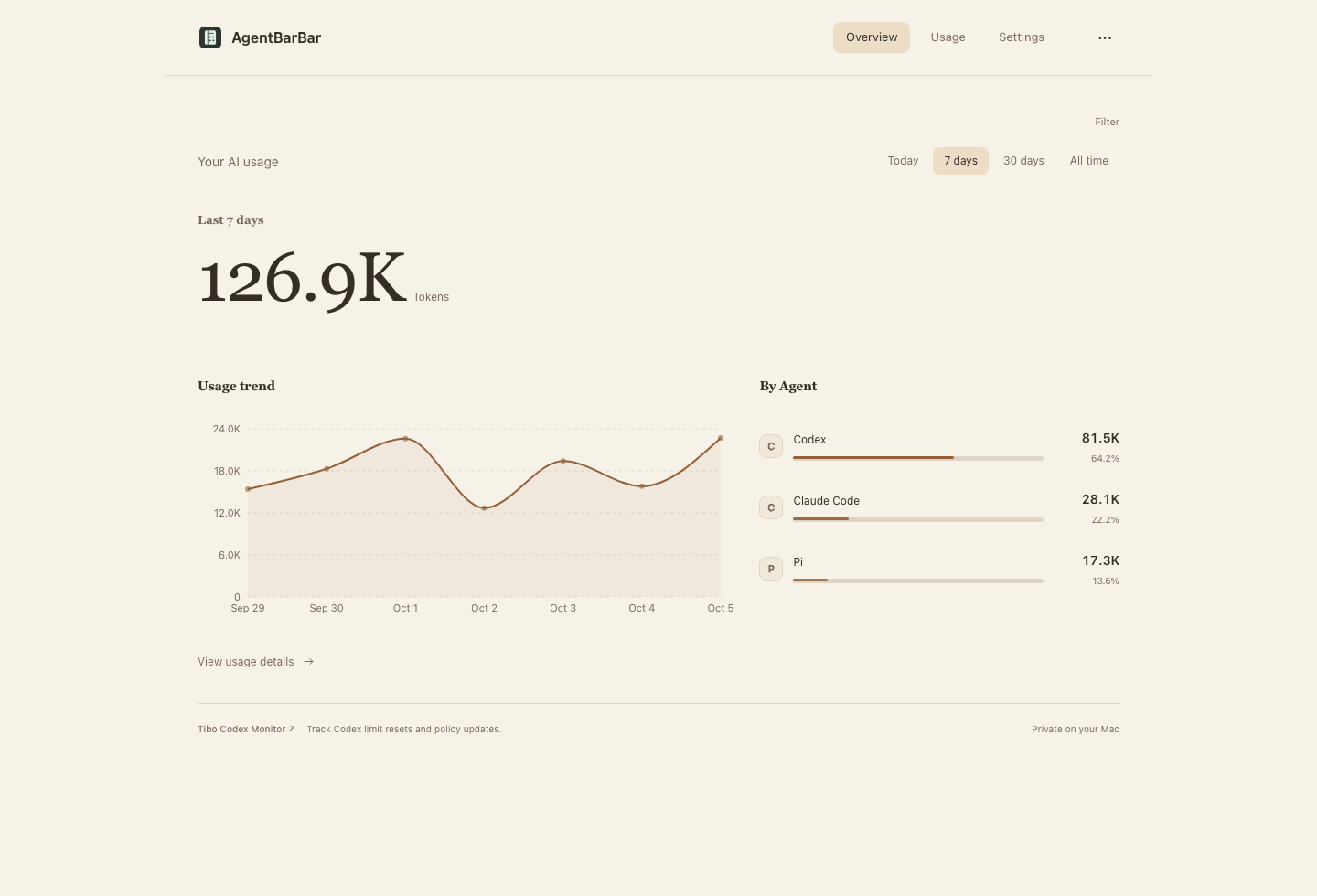
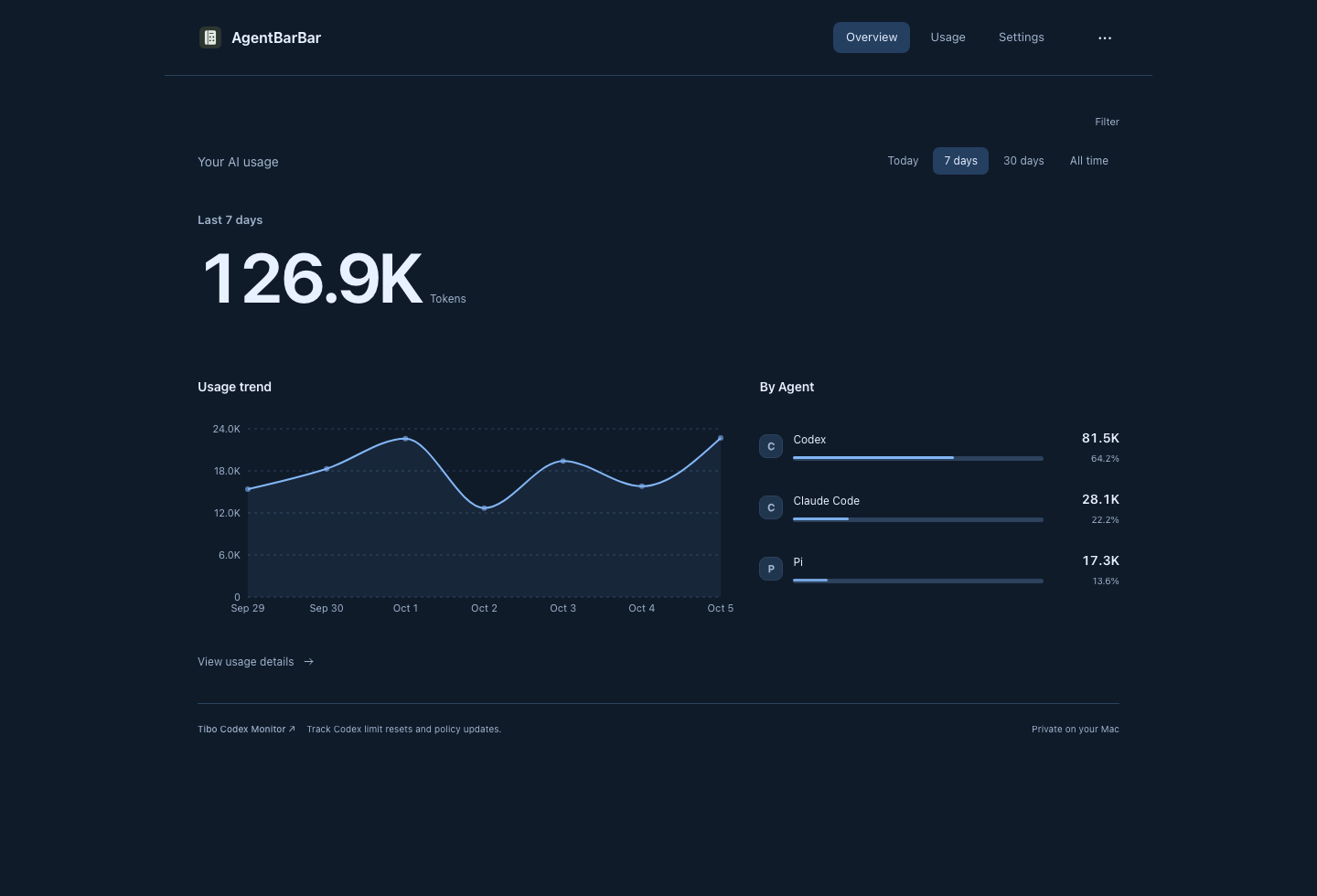
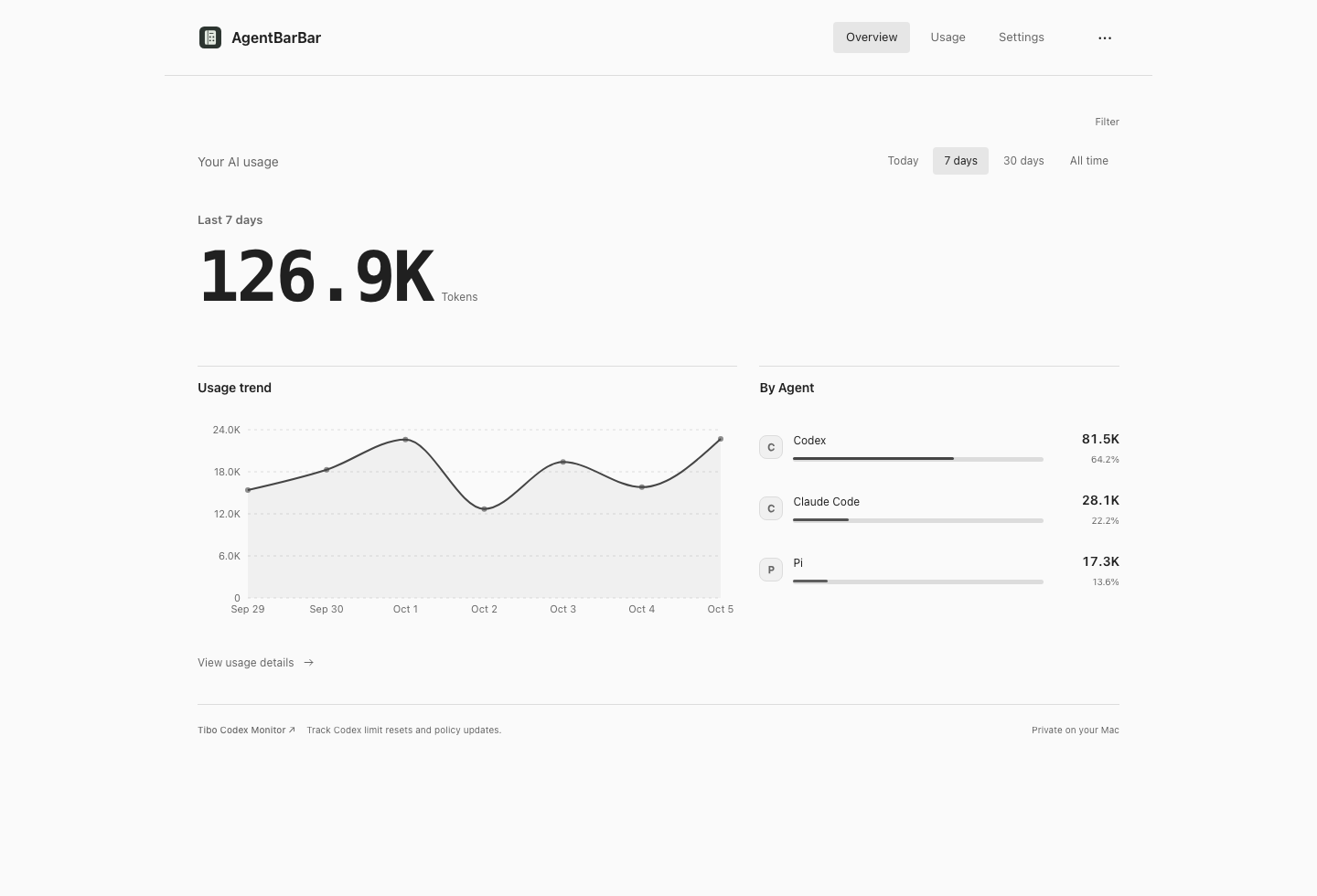
Reads local usage records from twelve supported Agents. Available metrics depend on the records each tool provides.
Daily token totals, usage by Agent and model, trends, request details and exports.
Usage is read locally. No telemetry is uploaded and conversation bodies are not stored.
It shows recorded token usage. Remaining subscription quota is managed by your AI provider.
Use GitHub Releases. Choose the DMG for macOS or Setup.exe for Windows, and follow the instructions for that version.
Installation instructions and update notes are included with each GitHub release.
Download on GitHub